
What Battery Health Means on a Refurbished iPhone

A battery health percentage on a refurbished iPhone tells you the battery’s current maximum capacity compared to when it left the factory, nothing more. If the number reads 87%, the battery holds 87% of the charge it could hold on day one. Apple treats 80% as the practical floor where a battery still performs reliably under normal use, and most refurbished sellers, including Device Giant’s TrueGrade inspection, grade against that same line.
Here’s what to do the moment you see a battery percentage on a listing or a device that just arrived:
- Open Settings > Battery > Battery Health and confirm the number matches what the seller advertised.
- Check for a “Service” message or “Unable to verify” warning, both of which change your decision.
- Confirm the seller’s return window before you assume the number is final.
Quick fact: Apple designs iPhone 14 and earlier models to retain 80% capacity at 500 full charge cycles, and iPhone 15 and later models to hold that same 80% out to 1,000 cycles.
Key Takeaways
Battery health percentage measures a refurbished iPhone’s current maximum capacity against new, and 80% is the practical threshold separating a normal device from one that needs service or negotiation.
| Point | Details |
|---|---|
| Check before you commit | Open Settings > Battery > Battery Health and compare the number to the listing before accepting the device. |
| Know the 80% floor | Apple designs batteries to retain 80% capacity at 500 cycles (iPhone 14 and earlier) or 1,000 cycles (iPhone 15 and later). |
| Watch for symptoms, not just numbers | Unexpected shutdowns or sluggish performance can signal peak-power loss even above 80%. |
| Verify provenance on newer models | iPhone 15 and later show cycle count and manufacture date, useful for spotting a replaced battery. |
| Buy from a seller with real protections | Device Giant’s TrueGrade inspection checks battery health directly, backed by a 90-day return policy. |
Table of Contents
- Checking Battery Health On A Refurbished iPhone
- What The Battery Percentage Actually Measures
- Why Refurbished iPhones Often Show Less Than 100% Battery Health
- When Battery Health Numbers Signal A Real Problem
- What To Do If Battery Health Comes In Low
- Verifying Battery Provenance And Service History
- Simple Habits That Keep Battery Health From Sliding
- How Device Giant Verifies Battery Condition Before You Buy
- Shop Refurbished iPhones With Battery Condition You Can Actually Trust
- Frequently Asked Questions
- Sources
Checking Battery Health On A Refurbished iPhone
Every iPhone stores this data in one place, and reading it takes under a minute.
- Open Settings, tap Battery, then tap Battery Health (older software labels this Battery Health & Charging).
- Look at Maximum Capacity, the percentage that matters most to your purchase decision.
- Scroll down to check for a Service recommendation or a note about performance management.
- On iPhone 15 and newer, tap through for cycle count and manufacture date, both useful for spotting a swapped or older battery.
Do this before you buy if you can hold the device in a store, and again within your return window if you bought online. A number that shifts between what the listing said and what Settings shows is your first red flag.
Pro Tip: Screenshot the Battery Health screen the day your refurbished iPhone arrives. If a dispute comes up later, you have a timestamped record instead of a memory.
What The Battery Percentage Actually Measures
Maximum capacity is a chemistry measurement, not a performance score. It compares how much charge the battery can currently store against its original factory capacity, and it says nothing directly about how fast the phone runs or how long a single charge lasts under heavy use.
Two other factors ride along with capacity: peak power capability and charge cycles. A cycle equals one full 100% discharge, whether that happens in one sitting or spread across several partial charges that add up to a full cycle. Apple’s own design targets set the baseline for what counts as normal wear:
- iPhone 14 and earlier: built to retain 80% capacity at 500 complete cycles.
- iPhone 15 and later: built to retain 80% capacity at 1,000 complete cycles under ideal conditions, roughly double the earlier standard.
That’s why two iPhones sitting at the same 84% can feel completely different. One might have high impedance from age or heat exposure, while the other simply has more cycles logged but a healthier internal structure. The percentage is a starting point, not the whole story.
Why Refurbished iPhones Often Show Less Than 100% Battery Health
A device advertised as “refurbished” or “like new” does not automatically ship with a fresh battery. Some refurbishers replace the battery as a standard step; others test the original battery, confirm it clears their minimum threshold, and leave it in place. Both practices are legitimate, but they produce very different numbers on the Battery Health screen.
Most marketplaces publish an 80% minimum as their baseline, though the actual figure on any given unit depends entirely on that specific phone’s history, not a blanket promise. Before you buy, ask the seller directly:
- Was the battery replaced, and if so, was it a genuine Apple part?
- What is the listed battery health percentage for this exact unit, not a general policy statement?
- Is there documentation from an inspection process backing that number?
A seller who can answer all three without hesitation is a seller worth trusting.
When Battery Health Numbers Signal A Real Problem
Not every dip in battery health calls for alarm, but some numbers should change your decision fast. Here’s how the bands typically play out in daily use:
| Battery Health | What to Expect |
|---|---|
| — | Performs like new; no noticeable limitations. |
| — | Slight capacity loss, unlikely to affect daily use. |
| — | Noticeable shorter runtime by evening; still functional. |
| 80% to 84% | At Apple’s practical floor; watch for early symptoms. |
| Below 80% | Apple typically flags a “Service” recommendation. |
Watch for symptoms that go beyond the number itself: unexpected shutdowns at moderate charge levels, sluggish app launches, or a drop in frame rates during gameplay. These point to reduced peak power capability, which is a separate issue from raw capacity and can show up even when the percentage still looks acceptable.
If Settings displays a Service message next to Battery Health, Apple recommends replacement to restore full performance. That message isn’t a safety warning, but it is a clear signal the battery has degraded past the point of comfortable daily use.
What To Do If Battery Health Comes In Low
Your options depend on timing. If the device hasn’t shipped yet, you have more leverage than you might think.
Before shipping or during your return window:
- Ask the seller for a discount reflecting the lower battery health.
- Request a battery replacement before the sale finalizes.
- Use your return policy if the listing misrepresented the number.
If you’re past that window and need a fix:
- Check whether the seller’s warranty covers battery replacement, some do within the first 90 days.
- Book service through Apple or an Apple Authorized Service Provider for a genuine battery, which typically runs $69 to $99 depending on model, plus a few days’ turnaround.
- Avoid unverified third-party shops unless you’ve confirmed they use genuine parts, since a mismatched battery can trigger the “Unable to verify” warning permanently.
Document everything before you accept a device: the advertised percentage, a screenshot of the actual Battery Health screen, and any seller correspondence about the battery’s condition.
Verifying Battery Provenance And Service History
On iPhone 15 and later, Settings shows more than just the percentage. You’ll also find cycle count, manufacture date, and first-use date, all useful for confirming whether a battery is original or was swapped recently.
- A recent manufacture date paired with a low cycle count usually means a replacement battery.
- An “Unable to verify this iPhone has a genuine Apple battery” message means the replacement wasn’t installed with Apple-recognized parts, which makes the health data less reliable.
- Ask sellers for a replacement receipt or inspection log confirming what part went in and when.
Simple Habits That Keep Battery Health From Sliding
A few small habits slow down how fast your refurbished iPhone’s battery ages after purchase, as explained in detail in Kundenverhalten und Smartphone-Akku erklärt.
- Turn on Optimized Battery Charging in Settings, which delays finishing the last 20% until you actually need it, easing daily wear.
- Avoid leaving the phone in hot cars or direct sun for long stretches; heat degrades battery chemistry faster than normal use ever will.
- Favor partial charges throughout the day over always running the battery down to empty first.
Cycle count matters more than calendar age when you’re comparing phones across generations, since Apple doubled the cycle rating starting with the iPhone 15 lineup. A three-year-old iPhone 15 might have fewer cycles logged than a one-year-old iPhone 12 used heavily.
Pro Tip: If you notice a sudden battery drop within the first week of ownership, restart the phone and check Battery Health again before assuming the worst. Software recalibration after a full setup can temporarily skew the number.
How Device Giant Verifies Battery Condition Before You Buy
Every phone that passes through Device Giant goes through a 25-point TrueGrade inspection, and battery performance sits near the top of that checklist. Technicians measure maximum capacity, confirm the battery isn’t flagged for service, and record the results before the device ever gets listed.
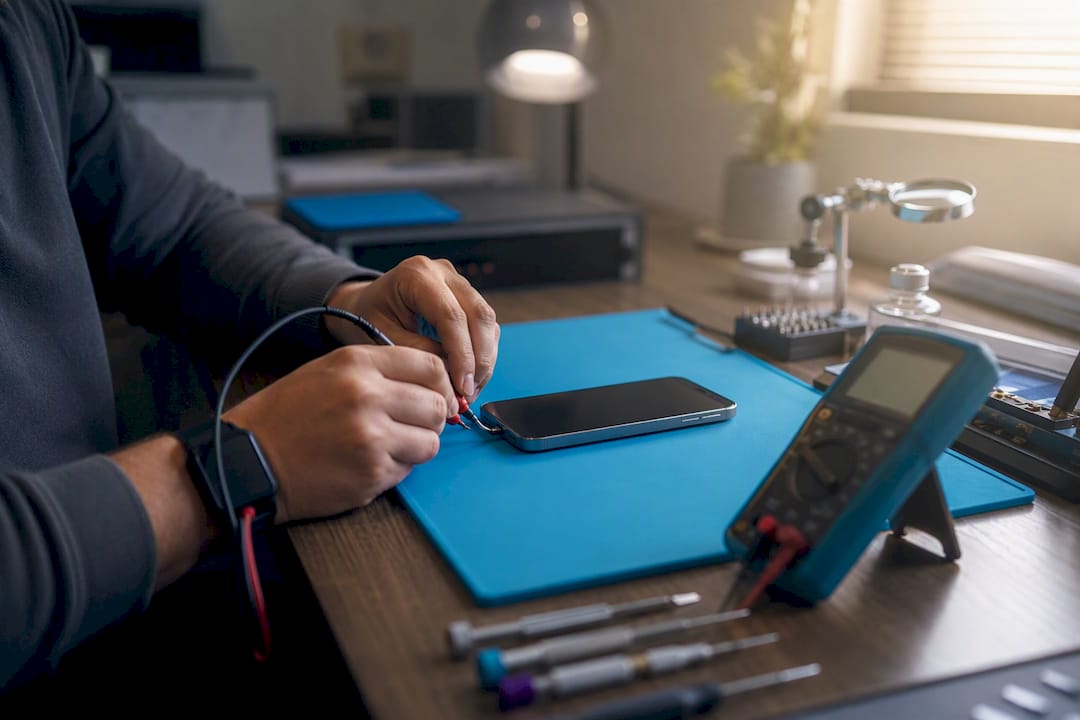
Backing that inspection is a 90-day return policy, so if a battery underperforms what the listing promised, you’re covered well past the point most sellers cut off returns. Choosing refurbished over new also keeps a working device out of a landfill, a small but real upside for anyone weighing cost against impact.
A Note From The Author
Buyers are almost always surprised battery health varies phone to phone, even within the same grade. My advice: always check the actual number, never trust the label alone.
Shop Refurbished iPhones With Battery Condition You Can Actually Trust
Device Giant lists the battery health condition on every refurbished iPhone right on the product page, so you’re never guessing what you’ll get when the box arrives. If the device doesn’t match what’s listed, the 90-day return window gives you room to send it back, no lengthy dispute process required.

Browse current listings like the refurbished iPhone 14 in Purple or the budget-friendly iPhone 13 in Starlight, both inspected under the same TrueGrade process before they’re shipped. For the full lineup of verified refurbished phones, start at Device Giant’s refurbished phones page and filter by battery condition to find the exact match for your budget.
Frequently Asked Questions
Yes, 80% is the threshold Apple itself designs batteries around, and most refurbished sellers treat it as the acceptable floor.
What counts as acceptable battery health for a used iPhone?
Can I request a battery replacement before accepting a refurbished iPhone? Many sellers, including Device Giant, will address a battery health discrepancy through their return policy if the delivered device doesn’t match the listing.
Does low battery health mean the iPhone is broken? No. A low percentage means reduced capacity and possibly a “Service” recommendation, not a broken device. It typically still functions normally, just with shorter runtime between charges.
How much does an iPhone battery replacement cost? Through Apple or an Apple Authorized Service Provider, replacement typically runs $69 to $99 depending on the model, with turnaround usually a few days.


