
How Resellers Use a 25 Point Phone Inspection to Avoid Returns

A reliable phone inspection checklist runs through identity verification, cosmetic grading, functional testing, and data-wipe confirmation, in that order. Before anything else, capture the IMEI or serial number and run an activation lock and blacklist check. A rapid intake takes about 5 minutes; a full multi-point inspection for resale grading takes a moderate amount of time.
TL;DR:
- A phone inspection must start with IMEI and activation lock checks, as blacklisted or locked devices are immediate dealbreakers.
- Cosmetic and functional tests include checking for screen cracks, button responsiveness, camera focus, microphone clarity, and battery health above 85%.
- Devices are graded from A to D based on combined cosmetic appearance and core functionality, with significant defects dropping a device multiple tiers.
- Conducting a factory reset and confirming no account locks remain is essential to prevent future return disputes.
- Pre-inspected stock with verified IMEI, battery health, and lock clearance reduces the risk of returns and simplifies resale processes.
Table of Contents
- The Complete Multi-Point Phone Inspection Checklist
- The 5-Minute Rapid Intake Checklist For On-the-Spot Buys
- How Grading Turns Inspection Results Into a Price
- Building a Repeatable Recording and Routing Workflow
- How Device Giant Applies a 25-Point Inspection in Practice
- Common Hidden Failures and Negotiation Rules
- An Alternative: Skip the Bench and Buy Already-Inspected Stock
- Primary Sources and Standards for Grading and Testing
- Sources
- FAQ
The Complete Multi-Point Phone Inspection Checklist
A used phone checklist only works if it follows a strict order. Identity checks come first because a blacklisted IMEI or an active lock kills the deal regardless of how clean the screen looks.
Identity and status checks
- Record the IMEI or serial number from Settings, the SIM tray, and the retail box, and confirm all three match.
- Run an IMEI blacklist check through your carrier or a reporting database to rule out reported theft or unpaid financing.
- Check for Activation Lock (iOS) or Factory Reset Protection (Google FRP) tied to a previous owner’s account.
- Look for Mobile Device Management (MDM) enrollment or corporate supervision profiles that restrict setup.
Exterior and cosmetic condition
- Inspect the screen for cracks, lifted glass, or a loose digitizer.
- Check the frame for dents, bends, or gaps that suggest a prior drop or bend event.
- Look at charging ports and SIM trays for corrosion or bent pins.
- Test buttons (volume, power, mute switch) for mushy response or sticking.
Screen, camera, and audio function
Touch every corner and edge of the display to catch dead zones most buyers miss in the center of the screen. Check for burn-in on OLED panels by loading a plain gray image, and verify brightness adjusts smoothly rather than jumping in steps. Test every camera lens with a photo, a video clip, and a slow pan to check stabilization and autofocus lock. Run the speaker at full volume, test both stereo channels if present, check the earpiece on an actual call, and record a voice memo to confirm the microphone isn’t muffled.
Power, ports, and connectivity
Battery health percentage matters more than a phone simply turning on. Check the reported health figure in settings, watch charging behavior with a real cable, and feel for heat or swelling near the battery during a charge cycle. Confirm the charging port holds a cable snugly, run a data transfer test, and check that the SIM tray or eSIM profile activates without errors. Then connect to Wi-Fi, pair a Bluetooth device, lock GPS location, test NFC with a tap-to-pay terminal, and confirm the proximity sensor turns off the screen during a call.
Locks, wipe readiness, and final routing
A 12-point checklist covering IMEI status, activation lock, battery health, and core hardware catches most resale problems when applied in order rather than at random. Before final grading, run a factory reset and confirm the device completes setup as new, which proves no hidden account lock survived the wipe. Diagnostic workflows built around identity capture and lock checks consistently reduce return disputes because the pass/fail evidence already exists before the sale.
Decision rules split into three tiers. A blacklisted IMEI or an active lock is a hard fail, no exceptions. A dead microphone or a camera that won’t focus is a functional fail that routes to repair or a lower grade. A hairline scratch or minor case wear is a cosmetic downgrade only, with no impact on function.
Pro Tip: On iPhones, try re-enrolling Face ID during inspection, not just checking if it works once. A setup loop during Face ID enrollment often points to a failing TrueDepth module that a simple power-on test will completely miss.
The 5-Minute Rapid Intake Checklist For On-the-Spot Buys
Street buys and trade-ins don’t allow for a 30-minute bench session. This order catches the deal breakers fast:
- Capture the IMEI and run a quick blacklist and activation check on your phone.
- Power on the device and swipe every corner of the screen to check touch response.
- Open the camera, snap a photo, and record a short video to check focus and stabilization.
- Play audio through the speaker, then record and play back a voice memo.
- Plug in a cable and confirm the phone actually starts charging.
- Check reported battery health and confirm the phone isn’t carrier or SIM locked.
- Match the IMEI on screen against the sticker inside the SIM tray.
A blacklisted IMEI or an active lock means you walk away immediately, no negotiation. A cracked screen or worn battery is a negotiating point, not a dealbreaker. Budget close to 5 minutes total once you’ve run this sequence a few times.
How Grading Turns Inspection Results Into a Price
Grading translates what you found into a number a buyer will actually pay. The CTIA’s wireless device grading standard and eBay’s refurbished grading criteria both require a device to pass functional AND cosmetic thresholds together to earn a top grade. A phone with a flawless screen but a dead microphone doesn’t qualify as Grade A no matter how good it looks.
- Grade A / Excellent: no visible scratches beyond minor micro-abrasions, full function, battery health typically above 85%.
- Grade B / Very Good: light scratches or minor case wear visible up close, full function.
- Grade C / Good: noticeable scratches or small chips, full function, may show weaker battery health.
- Grade D / Fair: heavy cosmetic wear, cracks, or a functional issue like a weak speaker; often routed to parts or repair rather than resale.
A hairline scratch barely moves the needle on grade. A cracked screen or a bent frame drops a device at least two full tiers, sometimes straight to parts. weak battery health below a typical acceptable threshold typically caps a device at Grade C even if the screen is spotless, since buyers price battery replacement into their offer regardless of cosmetic condition.
Building a Repeatable Recording and Routing Workflow
Every inspection needs a paper trail, whether that’s a spreadsheet or a dedicated intake app. Capture the IMEI, serial number, model, storage size, color, the operator’s initials, a timestamp, and a clear pass or fail mark for each test category. Photograph the front, back, and all ports before you touch a screwdriver or run a wipe.
- Tie every test result and photo to the IMEI, not just a batch or lot number.
- Keep a record that the factory wipe completed and the device booted clean to setup.
- Set firm routing rules: any hard fail rejects outright, any functional fail routes to repair, cosmetic issues only adjust the grade.
Pro Tip: Recording wipe confirmation tied directly to the IMEI is what actually protects you in a chargeback dispute. “We wiped it” means nothing without a timestamped record attached to that specific device.
How Device Giant Applies a 25-Point Inspection in Practice
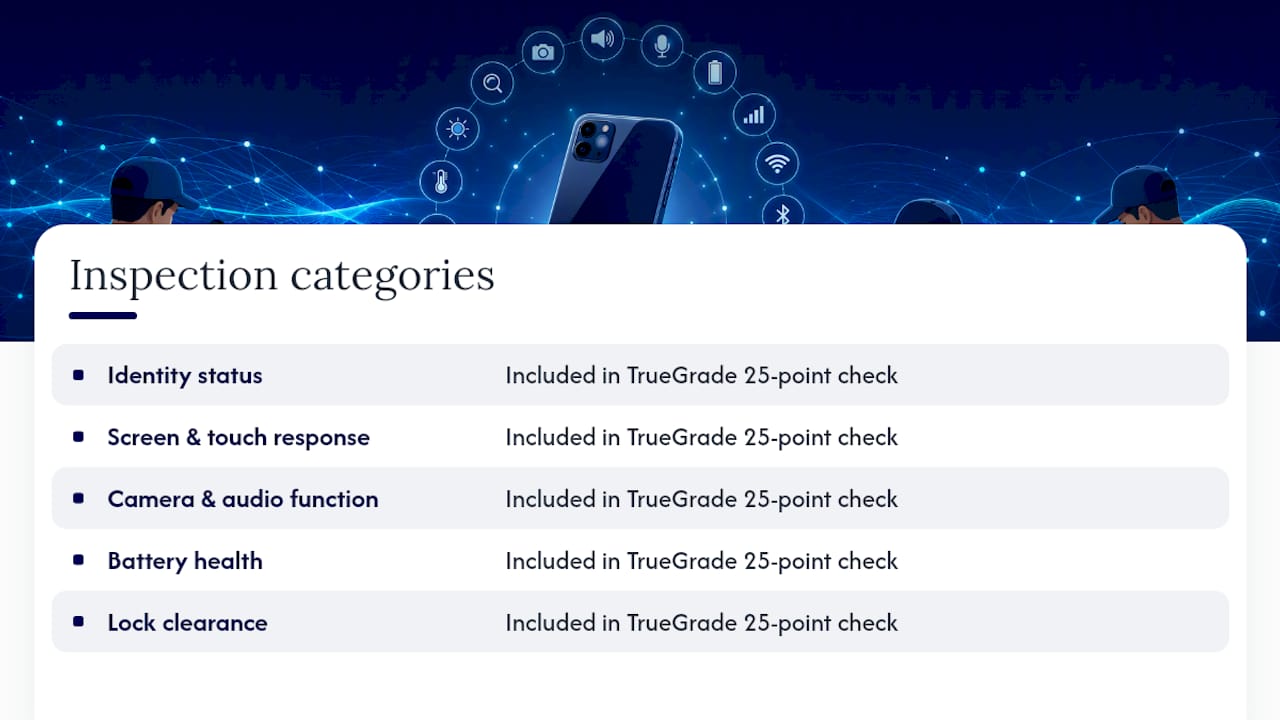
Devicegiant runs every device through a TrueGrade 25-point inspection covering identity status, screen and touch response, camera and audio function, battery health, and lock clearance, the same categories a careful reseller would check by hand. That inspection is why devices sell for significantly less than new prices while still carrying a limited return window and a 99.8% positive feedback record on eBay. For a buyer who doesn’t want to run a bench test on every unit, pre-inspected stock is simply the faster, lower-risk path to the same outcome.
Common Hidden Failures and Negotiation Rules
Watch for IMEI mismatches (a sign of a swapped logic board), intermittent charging that only shows up after a few minutes, and Face ID loops signaling TrueDepth damage. Hard fails mean walk away. Functional fails mean price in the repair cost first. When in doubt, send it to a bench tech.
— Saad
An Alternative: Skip the Bench and Buy Already-Inspected Stock
Running a full checklist on every unit takes time most buyers don’t have, and every skipped step is a risk you’re carrying alone. Devicegiant’s alternative is simple: every phone already passed a 25-point TrueGrade inspection before it’s listed, so the IMEI check, battery health, and lock clearance are already done for you.

That means no blacklisted units, no activation locks showing up after the sale, and a limited return window if something still slips through. Whether you need a single handset or a wholesale lot for resale, the inspection work is already finished. Browse the current refurbished inventory and check grade, battery health, and price before you commit to a purchase.
Primary Sources and Standards for Grading and Testing
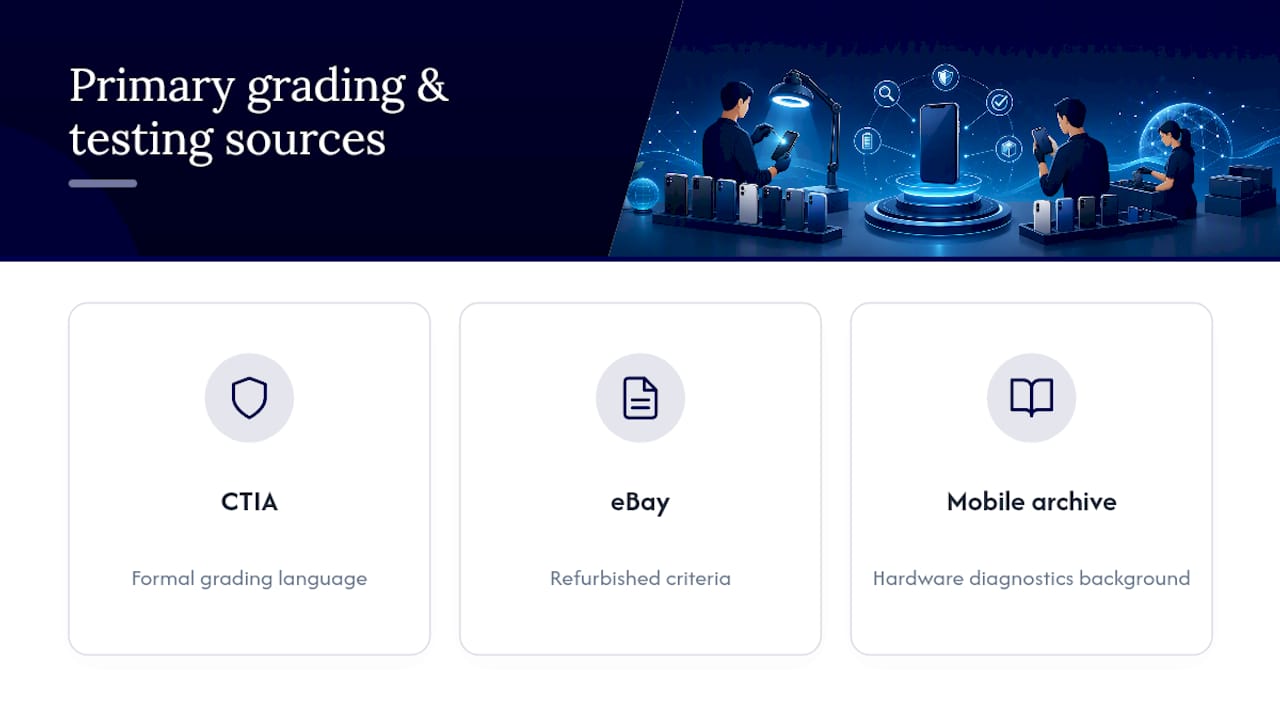
For formal grading language, check the CTIA grading standard and eBay’s refurbished criteria. For hardware-level diagnostics background, see this mobile hardware testing archive.
Sources
- CTIA — Wireless device grading scales, criteria and definitions (v5.0)
- eBay — Refurbished grading criteria (Q2 2025)
- MobiCode — Used phone diagnostics to reduce returns
FAQ
What should be included in a phone inspection checklist?
A complete checklist covers identity checks (IMEI, blacklist, activation lock), cosmetic condition, screen and touch response, camera and audio function, battery health, port and connectivity tests, and confirmation that a factory wipe completes cleanly. Devicegiant’s own 25-point TrueGrade inspection follows this same structure.
Can someone be watching everything I do on my phone?
Spyware and stalkerware exist and can monitor calls, messages, and location, usually installed through a malicious app or physical access to an unlocked device. Checking for unfamiliar apps, unusual battery drain, and unrecognized device management profiles during an inspection helps catch signs of this before a resale or purchase.
Which phone is least likely to be hacked?
No phone is fully immune, but devices that stay current on security patches and avoid apps installed outside official stores carry lower risk. During resale inspection, confirm the operating system is updated and check for any MDM or unfamiliar profiles rather than assuming one brand is inherently safer.
How long does a full phone inspection take?
A rapid 5-minute intake check catches the most critical failures like a blacklisted IMEI or a dead camera. A full multi-point inspection covering all cosmetic, functional, and connectivity tests typically takes a moderate amount of time per device.


