
Confirm a Refurbished iPhone Is Unlocked, Backed by a 25 Point Check

It depends. Some refurbished iPhones ship unlocked and work on any carrier, while others stay locked to whoever originally issued them. Apple-certified units and most independent refurbishers sell unlocked stock, but carrier-sourced or private-seller phones often aren’t. Check Settings > General > About > Carrier Lock before you pay. If it reads “No SIM restrictions,” you’re clear.
TL;DR:
- Most refurbished iPhones from Apple and independent refurbishers are sold unlocked, but carrier-rebates and private seller phones often remain locked unless checked.
- Verifying unlock status requires checking Settings for “No SIM restrictions,” testing with a different carrier’s SIM, and confirming through IMEI blacklist checks.
- Source of the iPhone predicts its unlock status, with Apple-certified units typically sold unlocked, and carrier or private seller units more likely to be locked.
- Sellers should disclose IMEI, activation lock, battery health, and return policies upfront; vagueness indicates higher risk.
- Carriers, not Apple, control unlocking, which usually takes a few days and requires direct request; blacklisted IMEI phones are unlikely to be fixable through unlock requests.
Table of Contents
- Are Refurbished iPhones Unlocked? How to Confirm Before You Buy
- Where Do Unlocked vs. Locked Refurbished iPhones Come From?
- What Sellers Should Disclose and What Protections to Demand
- If a Refurbished iPhone Arrives Locked, Here’s How to Fix It
- Are Unlocked Refurbished iPhones Actually Reliable?
- How Devicegiant Reduces Unlock Risk on Every Phone
- Where to Verify Unlock Status and Carrier Policies Yourself
- Skip the Guesswork With Devicegiant’s Unlocked Refurbished iPhones
- What Actually Matters When You Buy Refurbished
- Sources
Are Refurbished iPhones Unlocked? How to Confirm Before You Buy
You don’t have to take a seller’s word for it. A locked iPhone will only work on the network that issued it, and finding that out after the sale is a hassle worth avoiding entirely.
Here’s the verification sequence that actually settles the question:
- Check Carrier Lock in Settings. Go to Settings > General > About, scroll to Carrier Lock, and look for “No SIM restrictions.” That exact phrase is Apple’s own confirmation that the phone works with any compatible carrier.
- Test with a different carrier’s SIM. If you have a friend on another network, pop their SIM in. A locked phone will throw an error or refuse to activate. Macworld’s testing guide walks through what those error messages actually mean.
-
Get the IMEI and run a blacklist check. Ask the seller for the IMEI (dial
*#06#if you have the phone in hand) and check it against a blacklist database. Treat paid checker services as a supplement, not a substitute for the seller’s own proof. - Request a screenshot or a live factory reset. If you’re buying online, ask for a screenshot of the Carrier Lock screen. If you’re meeting in person, ask the seller to reset the phone and set it up while you watch. Watching Activation Lock clear in real time removes almost all the guesswork, a point Macworld makes about in-person deals specifically.
For a deeper walkthrough with screenshots of each menu, Devicegiant’s guide on how to tell if a phone is unlocked covers the same steps in more detail.
Pro Tip: Do the IMEI check before you agree to buy, not after. Once money changes hands, your leverage to walk away disappears.
Where Do Unlocked vs. Locked Refurbished iPhones Come From?
Unlock status usually traces back to where the phone was sourced, not how well it was refurbished. A phone can be flawlessly restored and still be locked to a single carrier.
- Apple Certified Refurbished units are typically sold unlocked and carry Apple’s own warranty. Apple’s refurbished store labels these phones “Unlocked” directly on the product page, which is about as clear as disclosure gets.
- Carrier-refurbished phones usually come from trade-ins or lease returns, and they’re commonly sold locked unless the carrier explicitly unlocks them first. Don’t assume a “refurbished” label from a carrier means unrestricted.
- Independent refurbishers vary by company. Some sell unlocked stock as standard; others carry a mix. The listing should say which you’re getting, along with warranty length and grading criteria.
- Private sellers carry the highest risk. There’s no institutional inspection behind the sale, so IMEI and Activation Lock checks matter more here than anywhere else.
The source of the phone tells you almost as much as the phone itself.
What Sellers Should Disclose and What Protections to Demand
A trustworthy seller doesn’t make you dig for information. If a listing is vague about carrier status, battery health, or return terms, treat that vagueness as a signal, not an oversight.
Before you buy, the seller should hand over:
- IMEI and Activation Lock status, confirmed in writing, not just implied by the listing title.
- Battery health percentage. Look for 85% or higher on a used or refurbished device. Anything lower means noticeably reduced runtime, even if the phone itself works fine.
- A documented warranty and return window. Thirty days is the reasonable floor; longer is better, and a seller unwilling to offer any return window at all should raise questions.
- Details on inspection and grading. Ask what the seller actually tests and what their grading scale (A, B, C, and so on) means in practice.
Devicegiant’s own IMEI check guide breaks down exactly what to look for in that IMEI report, and it’s worth reading before you message a seller with questions.
A seller who won’t disclose Activation Lock status before purchase is the single biggest red flag in a refurbished iPhone listing — Apple itself warns that “iPhone locked to owner” on startup means you should return the device, not try to work around it.
If a Refurbished iPhone Arrives Locked, Here’s How to Fix It
A locked phone isn’t necessarily a dead end, but the fix depends entirely on who’s willing to help.
- Confirm only the carrier can unlock it. Apple is explicit that carriers, not Apple, control unlocking. There’s no setting or app that bypasses this.
- Submit an unlock request with the IMEI. Most carriers process unlock requests within a few business days, provided the phone isn’t tied to an unpaid balance or reported lost.
- Use your return window if the seller won’t cooperate. If the phone turns out to be blacklisted rather than simply locked, don’t pay a third-party “unlocking service” to fix it. A blacklisted IMEI is a much deeper problem, and your return policy is the real remedy.
- Re-verify after the unlock clears. Check Settings > Carrier Lock again and test a different carrier’s SIM to confirm the change actually took effect.
Pro Tip: Save every message where a seller promises the phone is unlocked. If you end up filing a return or a payment dispute, written proof of that promise is what gets your money back.
Are Unlocked Refurbished iPhones Actually Reliable?
The savings are real, and so are the risks, and neither cancels out the other. A well-vetted refurbished iPhone gets you close to the full iOS experience at a fraction of retail, and buying used keeps a working device out of a landfill for another two or three years.
The downsides cluster around a few predictable failure points: batteries that degrade faster than disclosed, cosmetic damage hidden in product photos, Activation Lock that nobody mentioned, and IMEIs that turn out to be blacklisted after the sale. None of these are common with a properly inspected phone, but they’re common enough with unvetted private sales that caution is warranted.
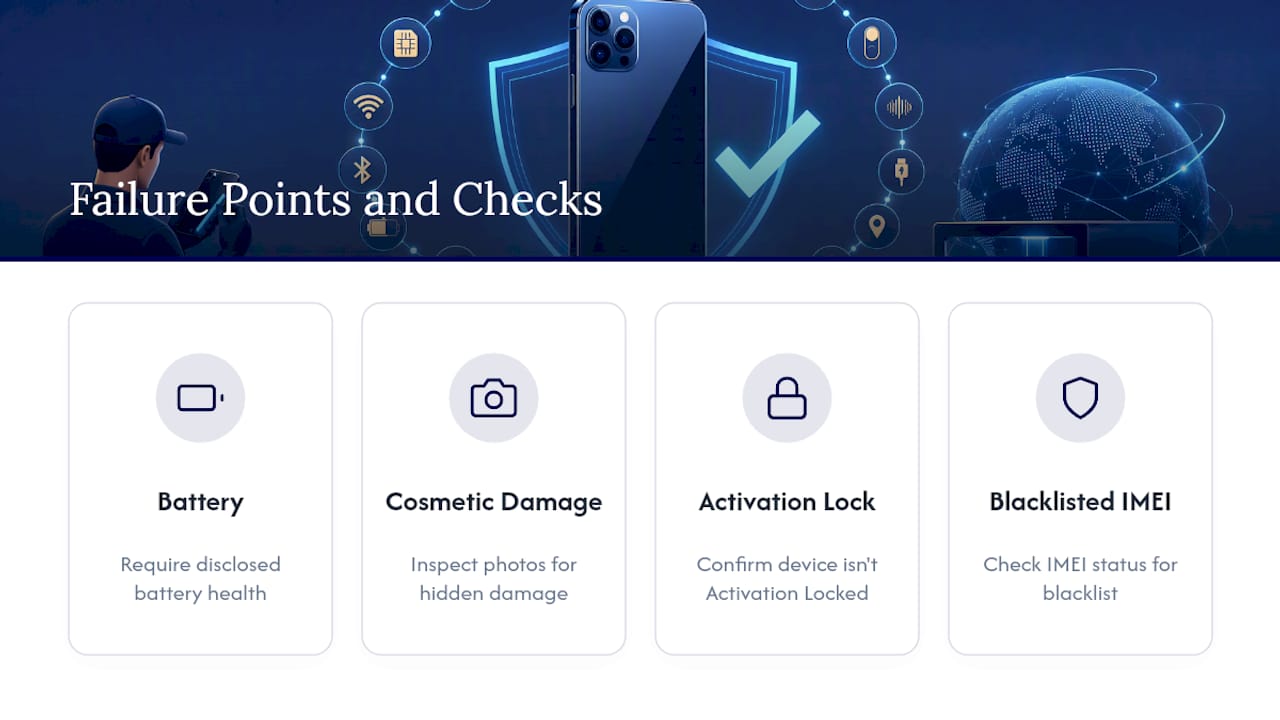
The practical fix is source selection. Buy from a refurbisher that checks IMEI status, discloses battery health, and backs the sale with a real return window, and most of these risks disappear before they ever reach you. Skip that vetting to save an extra $20 from a private listing, and you’re the one absorbing the risk instead.
How Devicegiant Reduces Unlock Risk on Every Phone
Every phone Devicegiant sells goes through a 25-point TrueGrade inspection before it’s listed, and unlock status isn’t an afterthought in that process. It’s checked, disclosed, and backed by paperwork.
That inspection covers:
- Functional testing across cameras, buttons, ports, and battery performance
- IMEI verification, so you’re not buying someone else’s blacklist problem
- Battery health disclosure listed plainly on the product page, not buried in fine print
- A 90 day return window if anything doesn’t match what was promised
Buying refurbished shouldn’t mean gambling on whether the phone you receive actually matches the listing. A clear grading system and a real return window are what turn “refurbished” from a risk into a reasonable trade.
Devicegiant’s eBay storefront has built a track record of 99.8% positive feedback, which reflects a pattern of consistent grading and honest listings rather than a one-time win.
Where to Verify Unlock Status and Carrier Policies Yourself
You don’t have to rely on any single source when checking a phone before purchase. A few official and practical references cover almost everything:
- Apple Support’s guide to buying a preowned iPhone, for Carrier Lock and Activation Lock basics
- Apple’s carrier unlock request process, for what happens after you contact your carrier
- Devicegiant’s guide to running an Activation Lock check before you commit to a purchase
- Macworld’s breakdown of testing methods and what each error message actually means
Skip the Guesswork With Devicegiant’s Unlocked Refurbished iPhones
Some refurbishers sell both unlocked and carrier-specific refurbished phones, and listings sometimes state which one you are getting before you check out. That’s the gap most private sellers and even some refurbishers leave open, and it’s exactly where buyers get burned.

Devices often pass a thorough multi-point functional inspection, arrive with battery health disclosed upfront, and may come with a return window if anything doesn’t match the listing. If you’d rather confirm compatibility for a specific model first, guides like identifying your phone model can help before you compare networks.
If you’re ready to skip the private-seller guesswork entirely, browse Devicegiant’s refurbished phones and filter by unlocked models to find one that fits your carrier and your budget.
What Actually Matters When You Buy Refurbished
The people who get burned buying refurbished iPhones almost never get burned by the refurbishing itself. They get burned by skipping the two-minute Carrier Lock check because the price was good and the seller sounded confident.
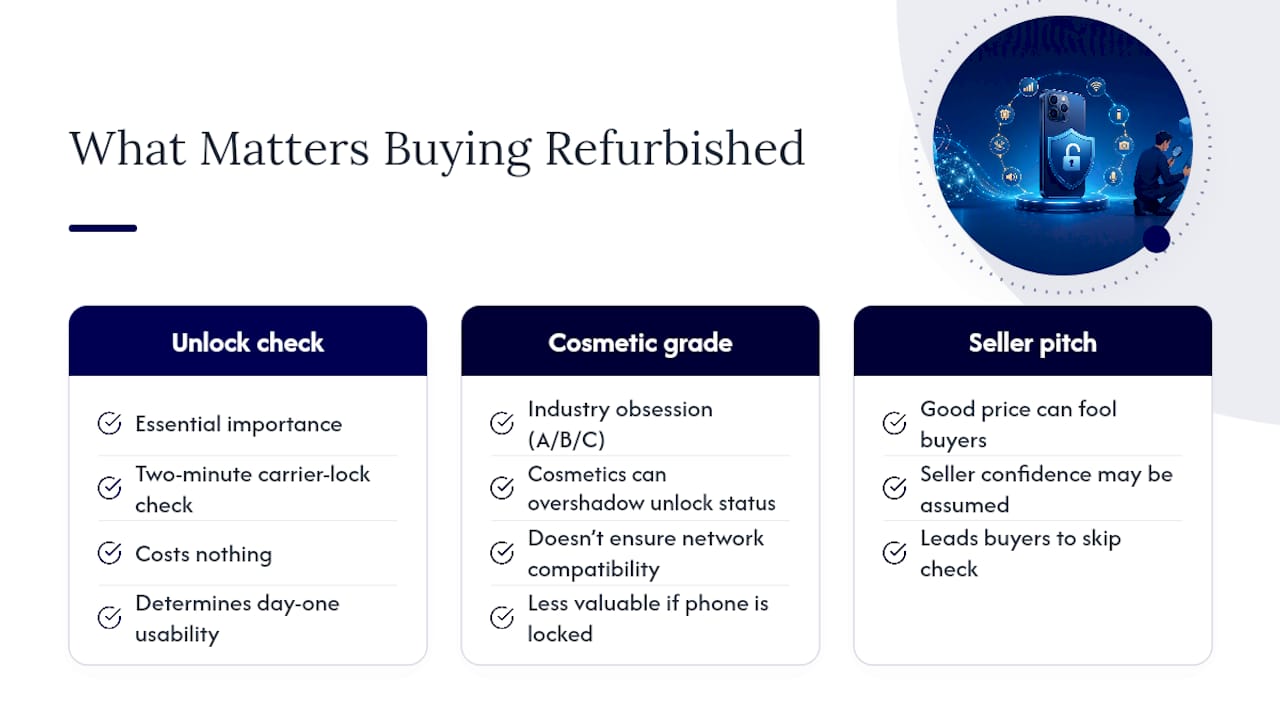
I’d argue the industry’s obsession with cosmetic grading (A, B, C conditions) has quietly overshadowed the question that actually determines whether your phone works on day one: is it unlocked, and is that status verified rather than assumed? A phone in flawless cosmetic condition that’s locked to a carrier you don’t use is worth less to you than a scratched phone that works everywhere.
My honest take: treat unlock verification as non-optional, not as a nice-to-have step for cautious buyers. It costs nothing, takes two minutes, and it’s the single check that determines whether the rest of your research even matters.
— Saad
Sources
- If you want to buy a preowned iPhone - Apple Support
- How to unlock your iPhone for use with a different carrier - Apple Support
- How to check if an iPhone is unlocked or locked to a network | Macworld
- Is a Refurbished iPhone Worth It? 2026 Guide


